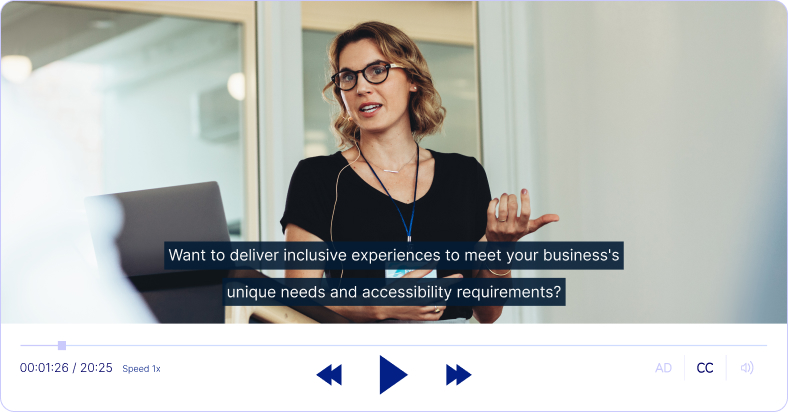
See Verbit's platform & technologies for yourself!
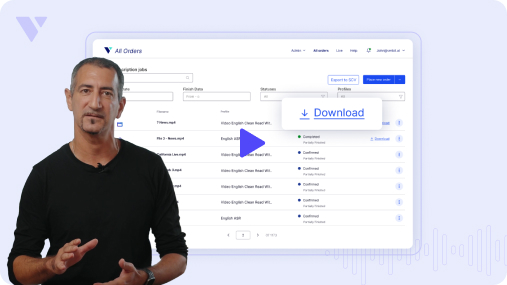
Choose between Verbit’s full-service offering or self-service via our secure platform.
Connect with an expert
We’ll build you a personalized plan for your specific live and recorded content needs.
Submit files on-demand
Create an account and begin uploading your ready-to-go audio and video files.

Home of











Verbit’s advanced technology provides users with unmatched advantage and incredible insights.
Our proprietary automatic speech recognition technology, Captivate™, is trained to meet the personalized needs of each customer. It’s trained with dedicated models designed with customer input for term boosting, proactive research and formatting needs. Captivate is highly-trained on domain specific needs with a dynamic domain dictionary that is continuously updated before and during its use. With Captivate, Verbit’s team can deliver a bespoke automatic solution at scale with any level of customization necessary.
Verbit’s Generative AI technology, Gen.V™, provides helpful insights on customers’ transcripts. Within minutes and the click of a button, Gen.V™ can generate informative summaries of meetings, courses or events. It also offers up quizzes for information recall, chaptering and suggested headlines and keywords. Gen.V’s™ features help to make your transcripts actionable!
By the numbers
Work with a partner that’s committed to growth and innovation.
Our growing suite of tools
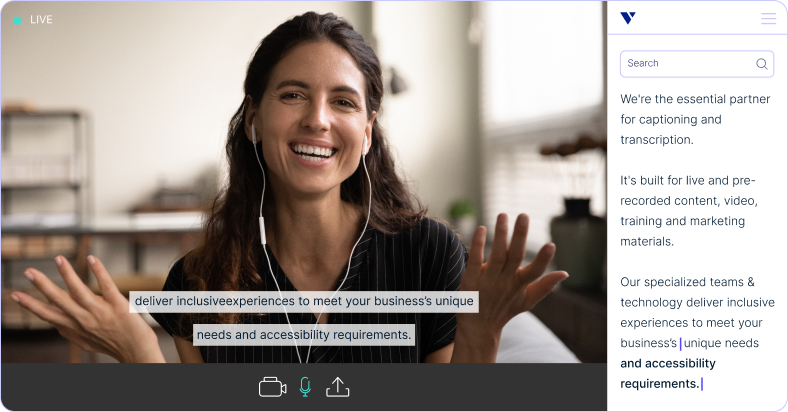
Offer accessible, compliant meetings and events easily, plus accelerate progress and productivity within your organization



Real-time, immediate access


















“Captioning improves events not just for people who need it — it makes everyone’s experiences better.”

Verbit is half the price and twice the speed of previous vendors… We’ve expanded the number of interviews and other scenes that we transcribe.

Sections of [the transcripts] could be pulled out and articles written around topics that popped up. It was really a win-win partnership with Verbit.

We were looking for something that was more flexible and reliable to be quite honest. That’s how we got connected with Verbit.
Our experts will help you navigate your industry’s accessibility requirements.